5 Best Kids Tablets for Preschoolers: Durable, Affordable Picks
The best kids tablets for preschoolers combine genuine drop resistance, strong parental controls, and a manageable price, with Amazon's Fire Kids line leading the pack for most families at $99 to $149.

In this article
You hand your preschooler a shiny new tablet. Forty-eight hours later it's face down on the kitchen tiles with a crack spidering across the screen. Sound familiar? According to a 2023 Consumer Technology Association report, 67% of parents said their child had damaged at least one electronic device within the first year of owning it. That's not bad parenting. That's physics, combined with the motor skills of a four year old.
The good news is that the kids tablet market has genuinely matured. Purpose built, durable devices now sit in a sensible $99 to $189 price band, with warranties that actually replace broken hardware rather than just shrugging at you. This guide cuts through the marketing noise and tells you exactly what to look for.
What you'll understand after reading this:
1. What Actually Makes a Kids Tablet "Kid-Proof"
Drop resistance is the single most important feature for preschooler tablets, and it comes from three layers working together: the protective case, the screen glass, and the device's internal shock absorption.
Marketing loves the word "kid-proof," but a single layer of protection is never enough. The case takes the first impact, the reinforced screen glass handles the shock wave, and internal suspension components protect the processor and battery from repeated knock damage. If any one layer is missing, you'll feel it when the device hits the floor.
The case is not optional
For ages 3 to 5, the included case should be EVA foam or thick silicone with raised corner guards. These materials absorb the energy of a drop from table height (roughly three to four feet) rather than transferring it straight into the screen. The Amazon Fire 7 Kids tablet ships with exactly this kind of case and backs it up with a two year worry free guarantee that replaces the tablet, no questions asked. That guarantee is doing real financial work.
If you're using a standard iPad or Android tablet from a family member, a good aftermarket case becomes just as important as the device itself. The 

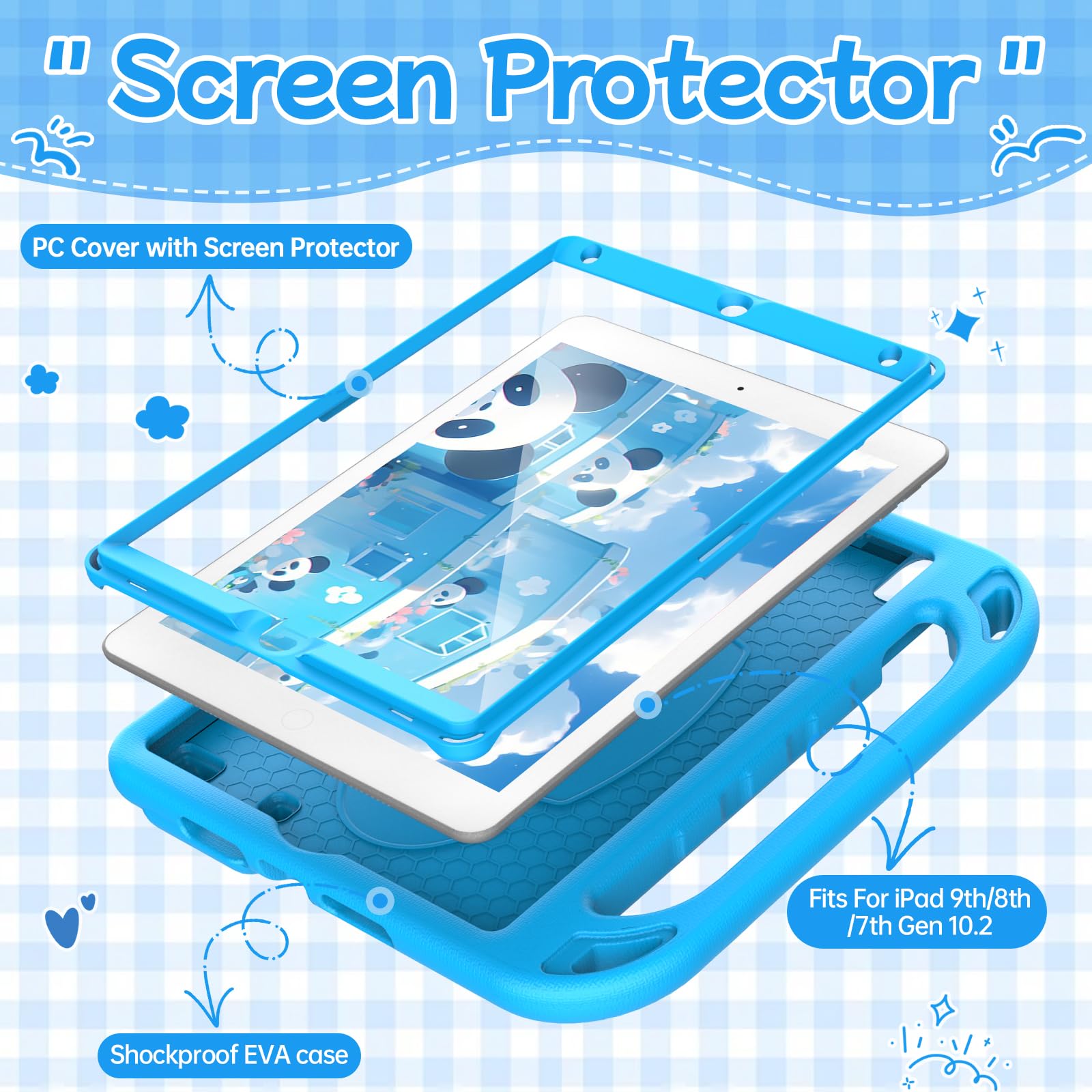
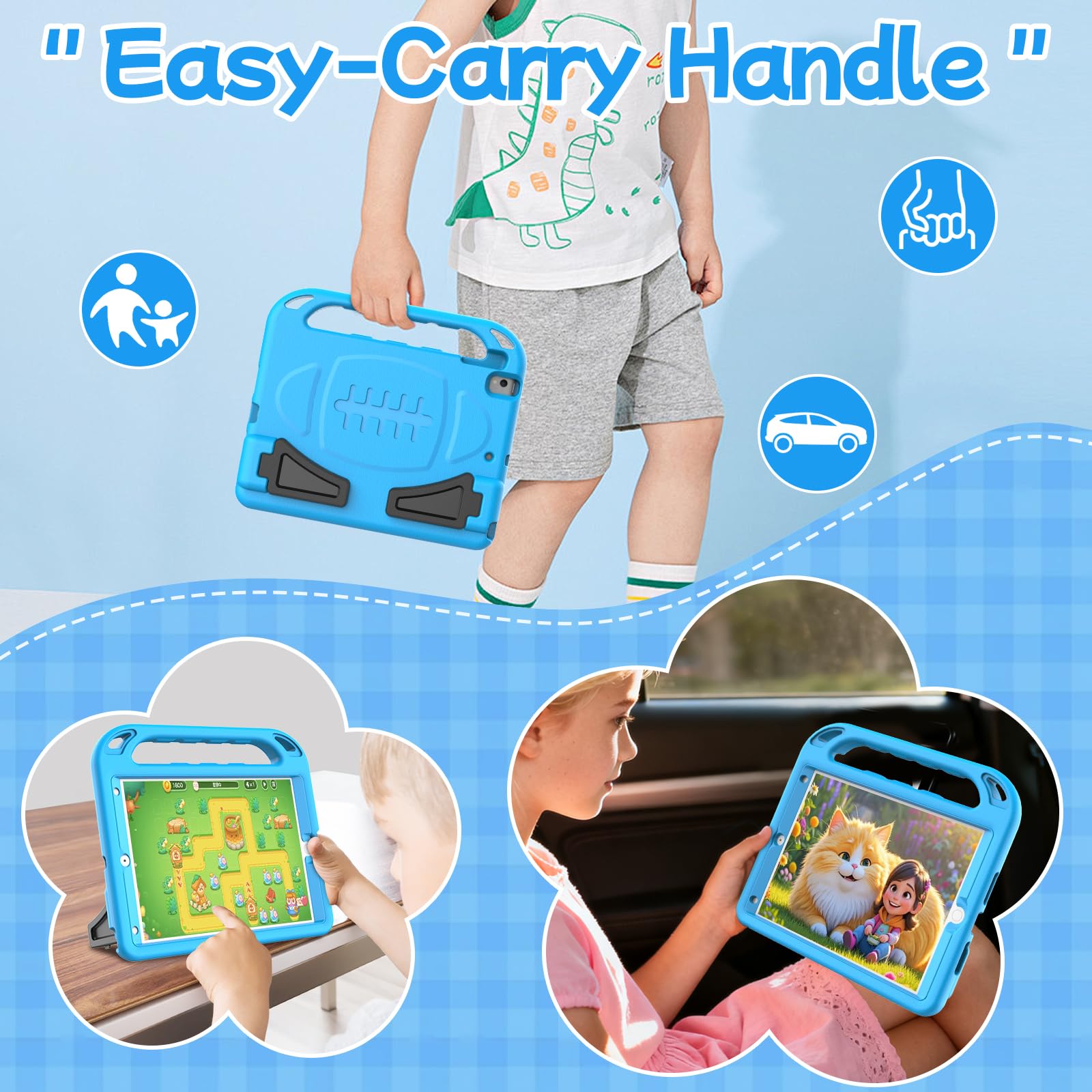
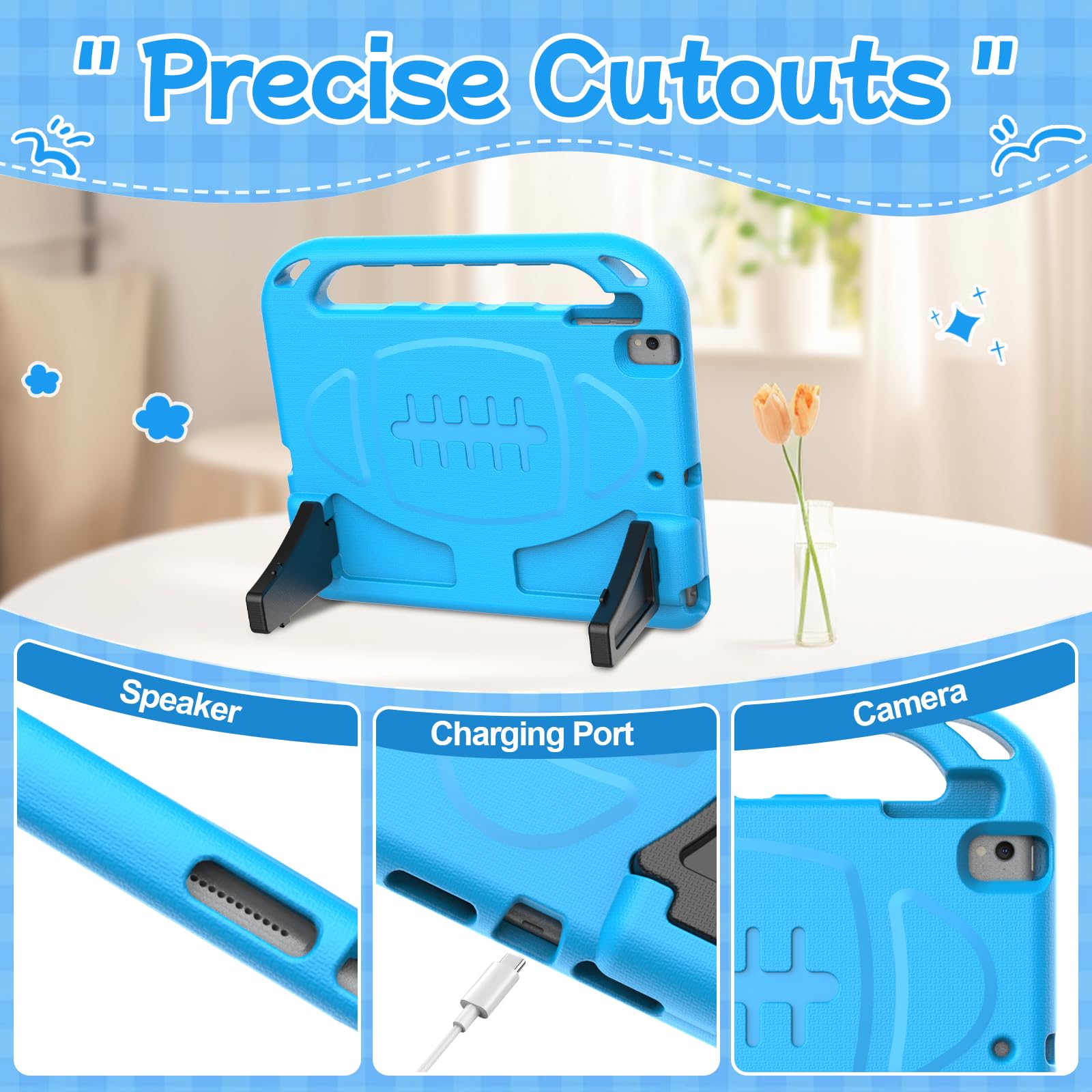
BMOUO Kids Case for iPad 9th/8th/7th Generation (iPad 10.2 Inch, 2021/2020/2019) with Built-in Screen Protector, Durable Shockproof Handle Stand iPad 9th 8th 7th Generation Case for Kids, Blue
What to look for in case construction
2. Matching the Tablet to Your Preschooler's Development
A 7 inch screen is the right size for ages 3 to 5. Children at this stage have small hands, shorter attention spans, and are using tablets primarily for interactive storytelling, drawing, simple games, and video. A bigger screen doesn't help them; it mostly helps advertisers.
Preschoolers are in a sensitive period for language acquisition and early numeracy. The American Academy of Pediatrics (AAP) recommends that for children ages 2 to 5, screen time beyond video chatting should be limited to one hour per day of high quality programming, and that parents engage alongside children when possible. That guidance should shape which content platform you choose, not just which device.
For children ages 2 through 5, limit screen use to 1 hour per day of high-quality programs. Sit with your children when they watch or play, and help them understand what they are seeing.
— American Academy of Pediatrics, 2016 Media and Young Minds Policy Statement
What developmental stage means for specs
At ages 3 to 5, raw processor speed is almost irrelevant. What matters is:
The content library matters more than the hardware for this age group. Amazon's Kids+ subscription (included free for one year with Fire Kids tablets) bundles thousands of books, apps, and ad free videos curated for children. That's genuine extra value, approximately $80 over the first year, built into the price.
If you're thinking about how screen time fits into your child's broader play diet, the research on why STEM toys outperform screens at building cognitive skills is worth a read before you commit to any device.
3. Parental Controls That Work in Real Family Life
Parental controls are non-negotiable for preschoolers, and the best systems work passively in the background rather than requiring you to remember to enforce them.
The weakest parental control systems ask you to manually block individual apps or websites. The strongest ones work the other way around: they allow only what you have explicitly approved, and everything else is locked by default. For a four year old, you want an allowlist approach, not a blocklist.
What a good parental dashboard should do
Amazon's Parent Dashboard, paired with a Fire Kids tablet, does all of this. Apple Screen Time on an iPad is also genuinely solid and integrates across your family's Apple devices. Google Family Link covers Android tablets in a similar way.
Understanding why screen time limits need real structural support (not just good intentions) is something many parents find helpful before they start. The piece on why screen time limits fail covers exactly that.


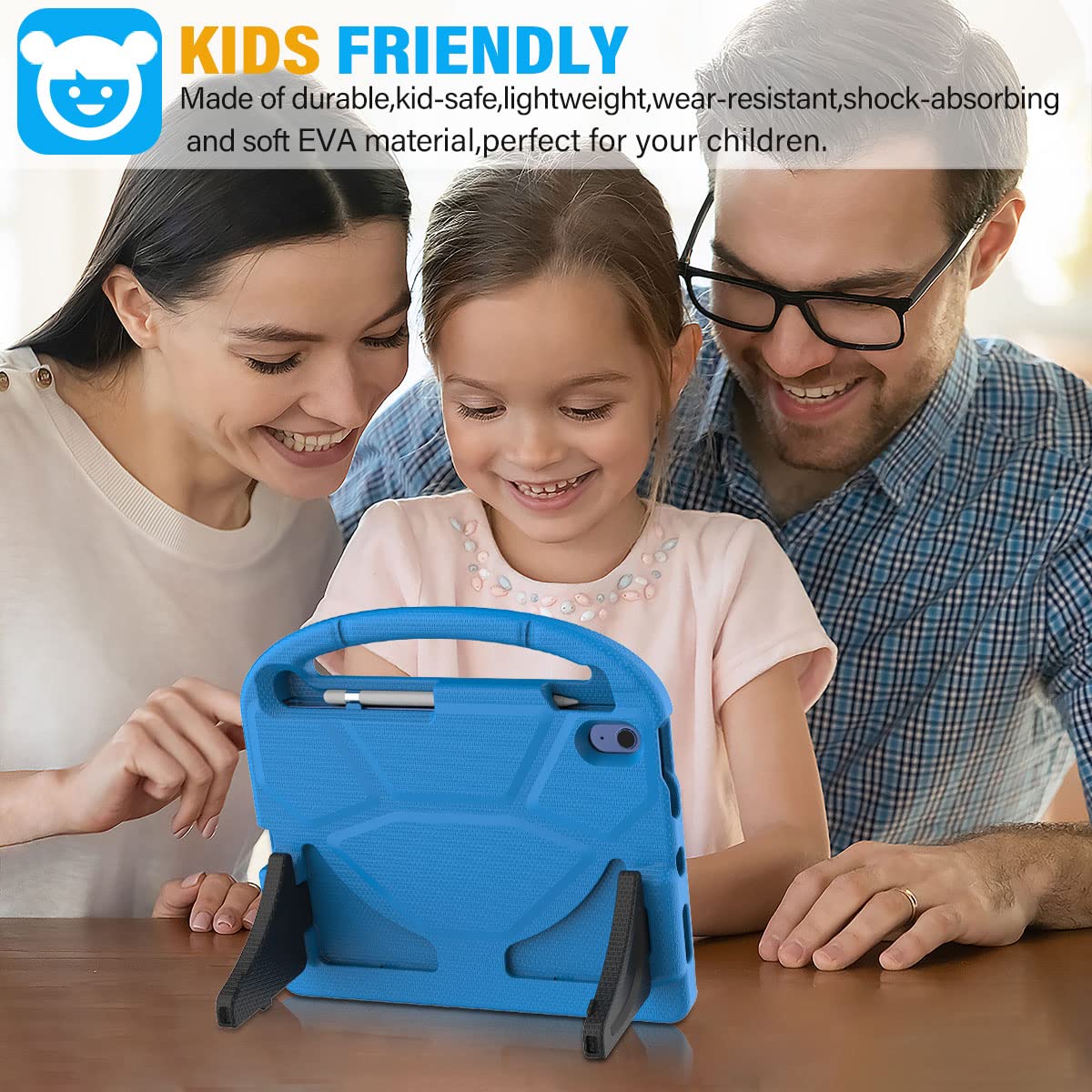


SUPLIK Kids Case for iPad A16 11-Inch 2025 (11th Gen) & iPad 10th Generation (10.9" 2022), Durable Shockproof Stand Cover with Screen Protector/Pencil Holder/Handle for Kids, Blue
- ➤【Compatible Models】Designed for New iPad (A16) 11-inch 11th Generation 2025 Release(Models: A3354 A3355 A3356
- ➤【Full-body Protection】Made of durable, child-safe, lightweight, wear-resistant, shock-absorbing EVA material,
- ➤【Built-in Screen Protector & Pencil Holder】Built-in a clear screen protector prevents scratches and dirts,pen
4. Battery Life and the Practical Reality of Preschooler Tablet Use
Ten hours of real world battery life is the minimum worth buying for a preschooler's tablet. Anything less means charging mid-day, which creates either an argument or a device sitting dead on the counter exactly when you need it.
The headline battery spec on a product page is usually measured under ideal conditions (low brightness, Wi-Fi off). For preschooler use, where the screen is often at high brightness, apps are running, and speakers are loud, expect around 70 to 80% of the advertised figure in practice. A tablet claiming 12 hours will usually give you 8.5 to 9.5 hours of genuine use.
Where battery life really matters
Car journeys are the clearest test case. A four hour drive requires a tablet that can sustain play for the whole trip with no panic about a dead battery before you arrive. Flights are similar. Most parents I see in clinic mention battery anxiety as one of their main day to day frustrations with children's tech.
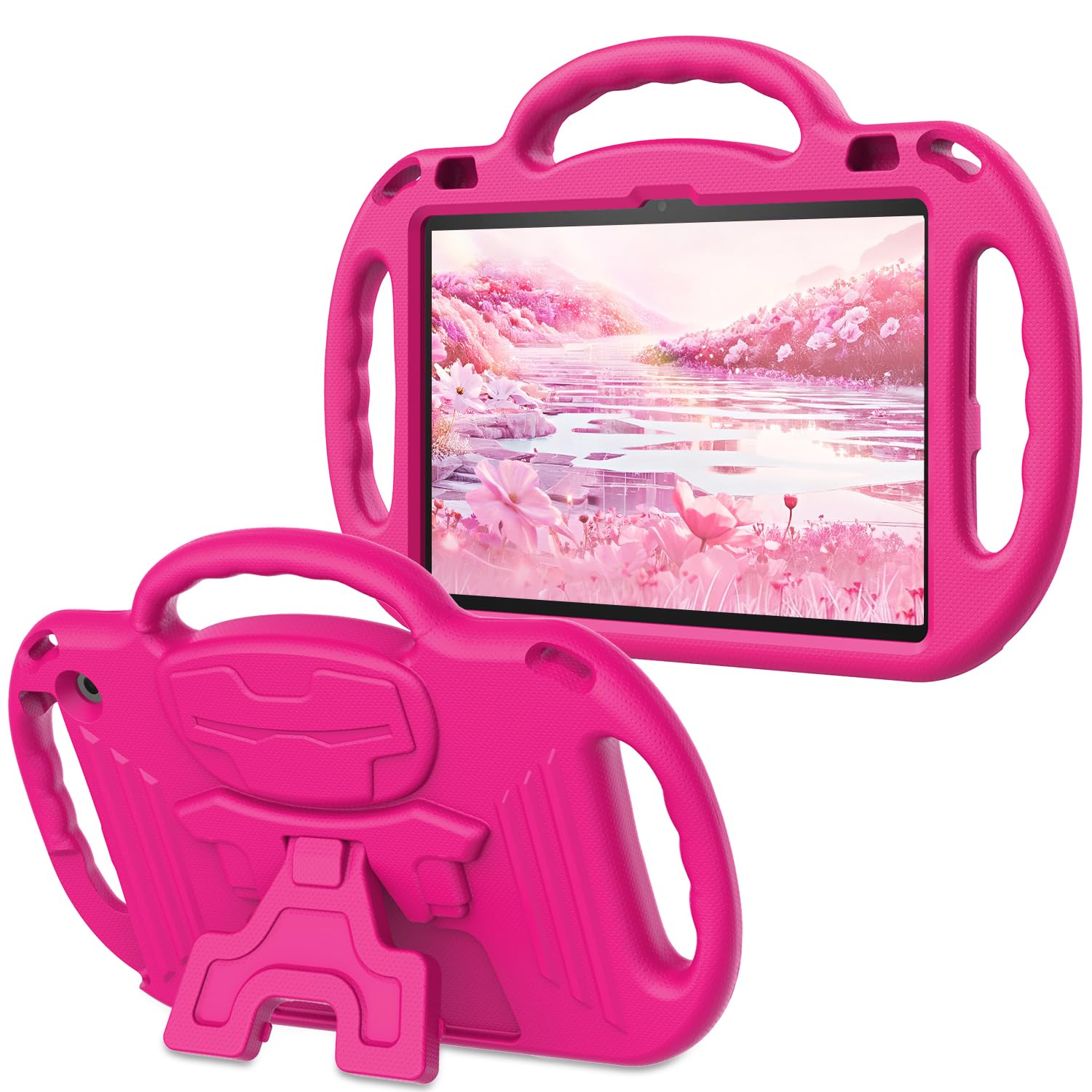
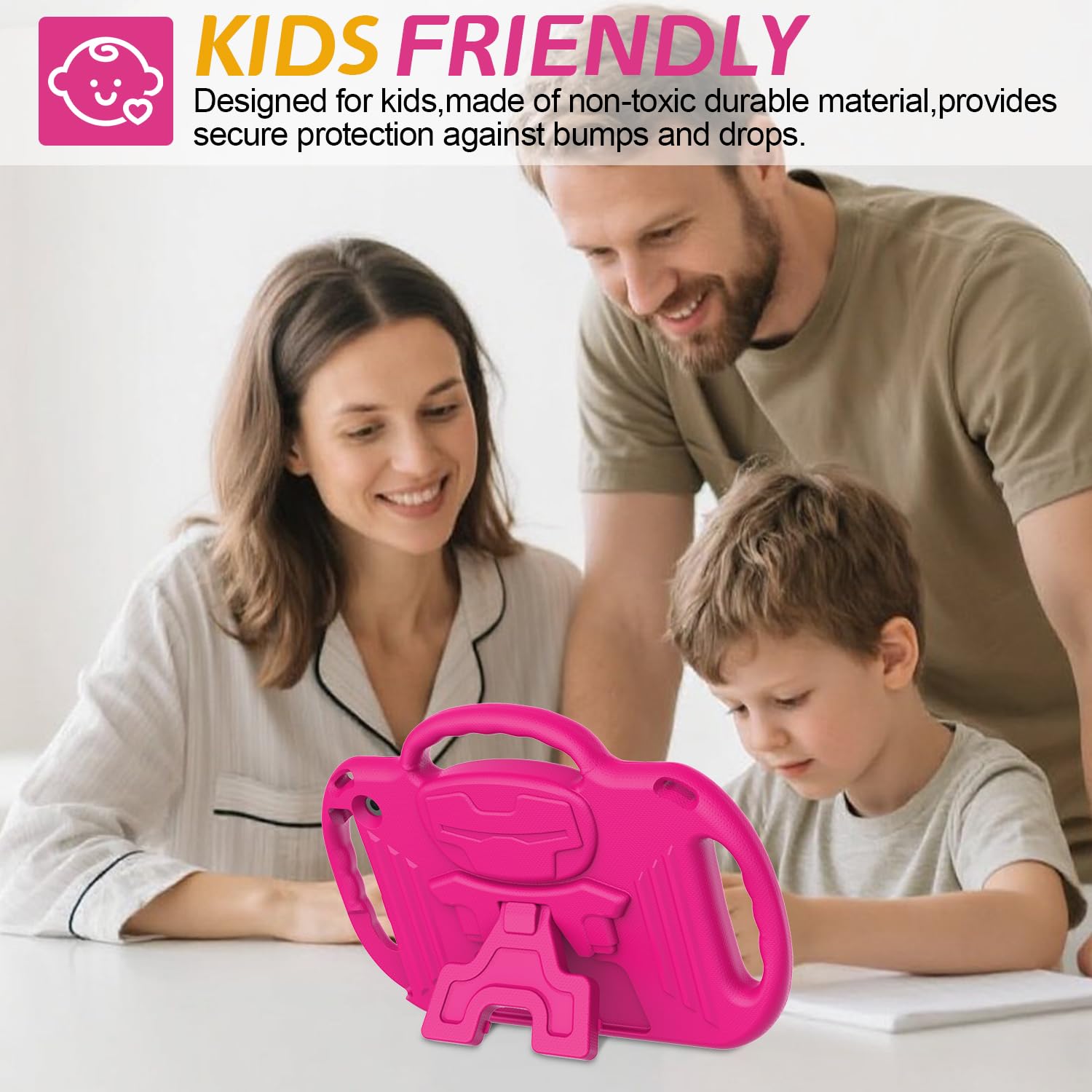


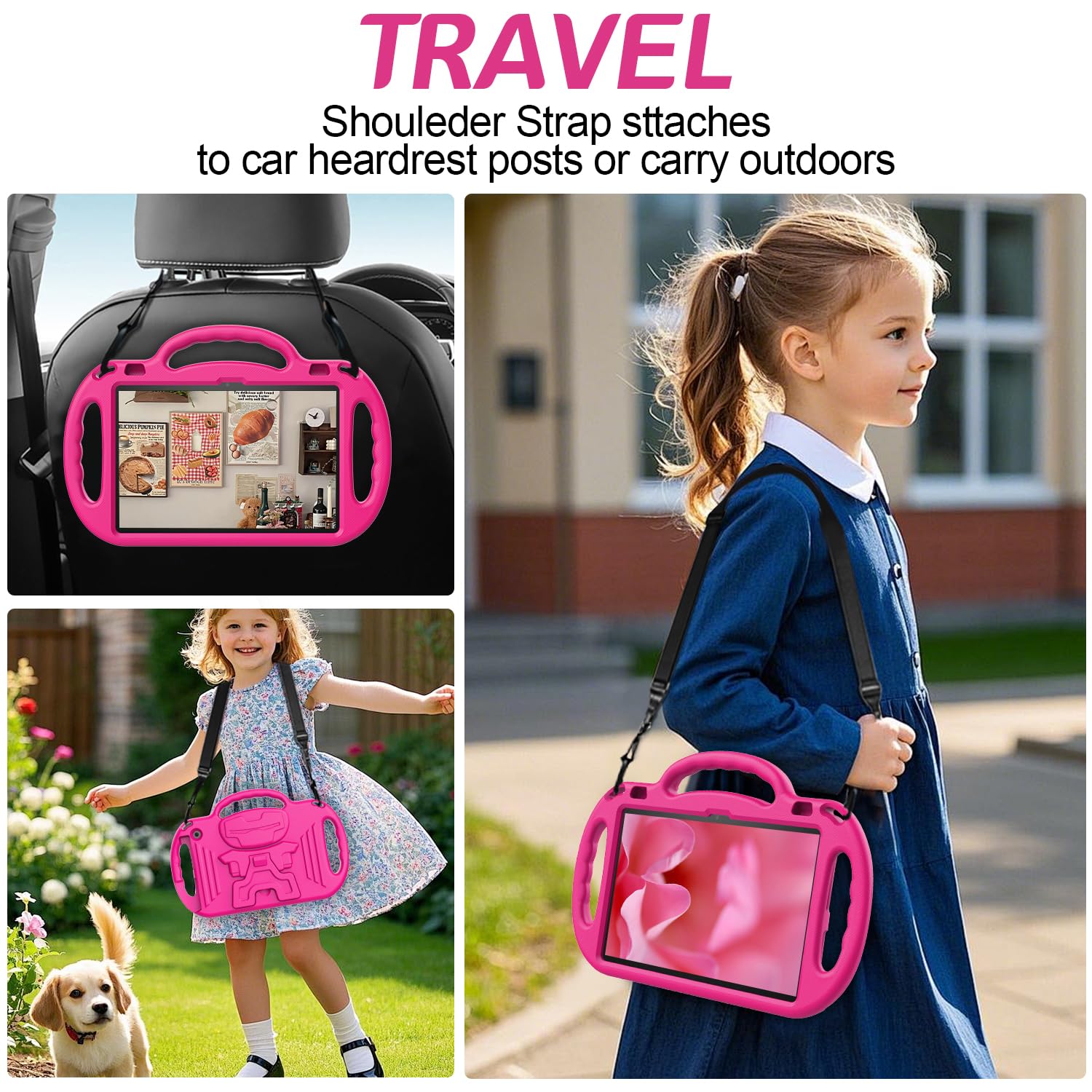
The AVAWO case shown above is worth noting here because its shoulder strap design means the tablet travels with the child rather than sitting on a surface waiting to be knocked off. For preschoolers, that shift in how the device moves through the day makes a real difference to accidental drops.
5. The Real Cost: Looking Beyond the Sticker Price
The sticker price of a kids tablet is only one part of the real cost. To compare options fairly, you need to add the case, the content subscription, and the expected replacement cost if the device breaks.
Here's how the maths usually works out:
A $99 Amazon Fire 7 Kids tablet includes the protective case, a one year Kids+ subscription (worth around $77 if purchased separately), and a two year worry free guarantee. The true cost of a comparable setup on a standard $150 Android tablet would be: tablet ($150) plus a quality case ($20) plus a content subscription ($77 per year) with no replacement guarantee. The "cheaper" tablet is actually more expensive once you include the full picture.
Children ages 8-12 in the United States spend an average of nearly 5 hours per day on screen media, not including school-related use.
— Common Sense Media, 2021 Census of Kids' Media Use
Storage and performance for preschoolers
For ages 3 to 5, storage is rarely a problem. Most preschooler content is streamed rather than downloaded. 16 to 32 GB of internal storage is genuinely sufficient for this age group. Where storage does matter is for offline use on long journeys; if you plan to download video for an international flight, aim for 32 GB or more.


iPad 12 A19 2026 Tablet Case Kids, iPad 11 inch A16 10 12th Gen 2025 Butterfly Case with Kickstand Light EVA Full Boby Drop Protective Rugged Shockproof Kid-Proof Kid Tablet Cover for Girl (Purple)
- 1. Compatible with New iPad 12 A19 12th Generation 2026 model,iPad 11th generation 11 inch A16 2025 released a
- 2. Foldable Wing Stand:The wings transform into an adjustable stand for both portrait and landscape viewing.Th
- 3.GREAT PROTECTION: Provide your device with a layer of armor and receive proper protection.You would need to
The FunnyWin butterfly case above shows how far the kids tablet accessories market has come. It fits multiple generations of iPad, the wing stand works in portrait and landscape, and the EVA construction gives solid drop protection at a price that won't sting if a preschooler eventually destroys it.
6. Five Tablets Worth Buying: What the Market Actually Offers in 2026
For preschoolers specifically, the practical shortlist is short. Here are the five options most worth your attention, and what distinguishes each.
Amazon Fire 7 Kids (7th generation and later). The entry point for the category. At $99.99 it is genuinely hard to beat for ages 3 to 5. The two year guarantee is real. The parental controls are the most polished in this price band. The main limitation is that it runs Amazon's forked version of Android, so Google apps are not available.
Amazon Fire HD 8 Kids. Steps up to an 8 inch screen and longer battery life. Better for a five year old who is starting to use the tablet for more complex reading or video. At around $139 it remains in family budget territory.
Apple iPad (entry level, 10.2 inch). The best build quality in the category, with the most extensive app ecosystem and the most robust parental controls through Screen Time. The device itself costs more than the Fire tablets but does not include a protective case; pair it with the BMOUO kids case for iPad 7th to 9th generation or the SUPLIK kids cover for the 10th generation model.
Samsung Galaxy Tab A9. The main Android alternative to Amazon's Fire line. Google Play access means a wider app library. Parental controls via Google Family Link are solid but slightly less intuitive than Amazon's dashboard for new parents.
Existing family iPad with a quality case. For families who already own a recent iPad, the most cost effective "kids tablet" is often that device paired with a purpose built protective case and Screen Time controls. The SEYMAC heavy duty cover for iPad Pro users and the DJ&RPPQ shockproof case for 10 inch tablets are both well reviewed options that transform an adult device into something considerably more survivable.
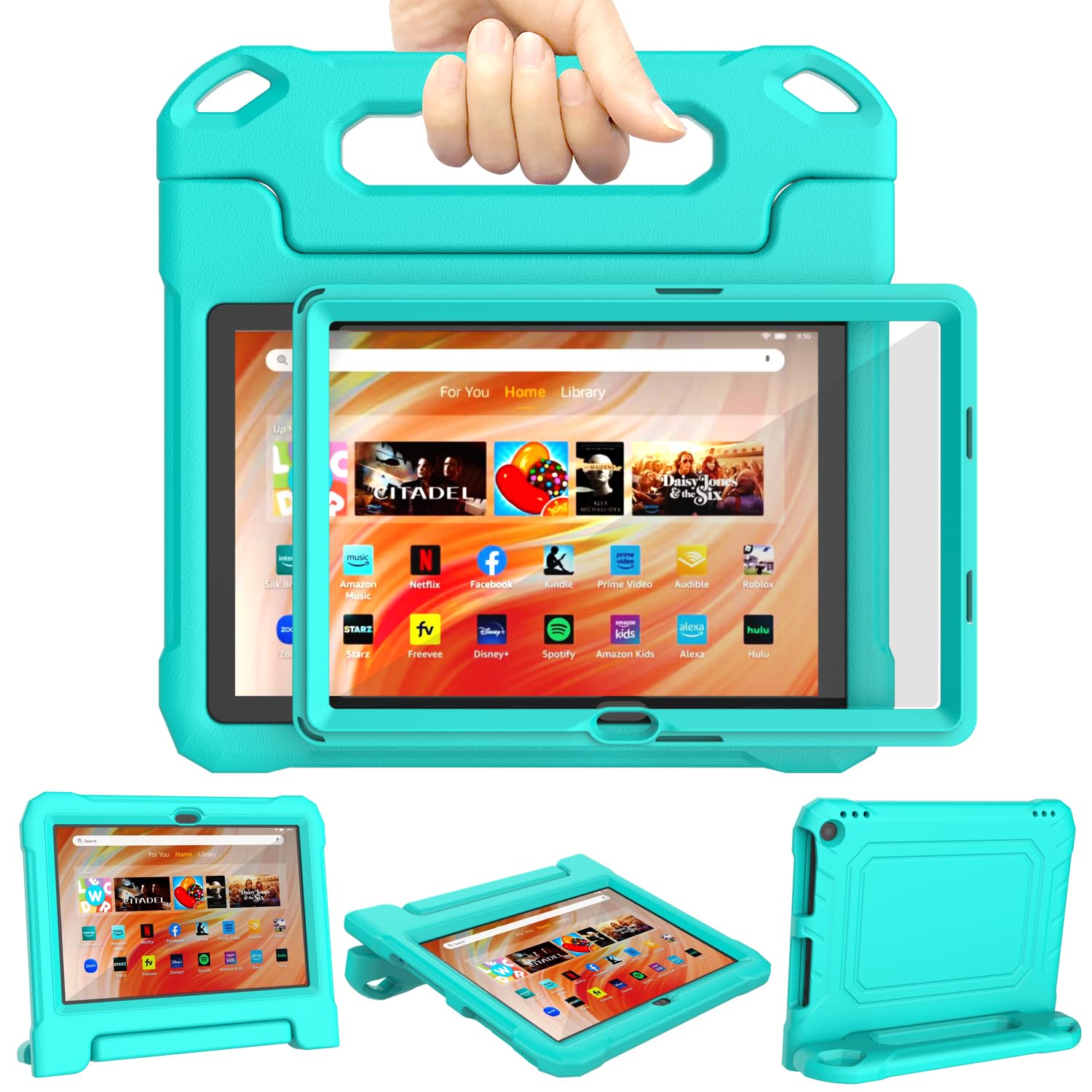
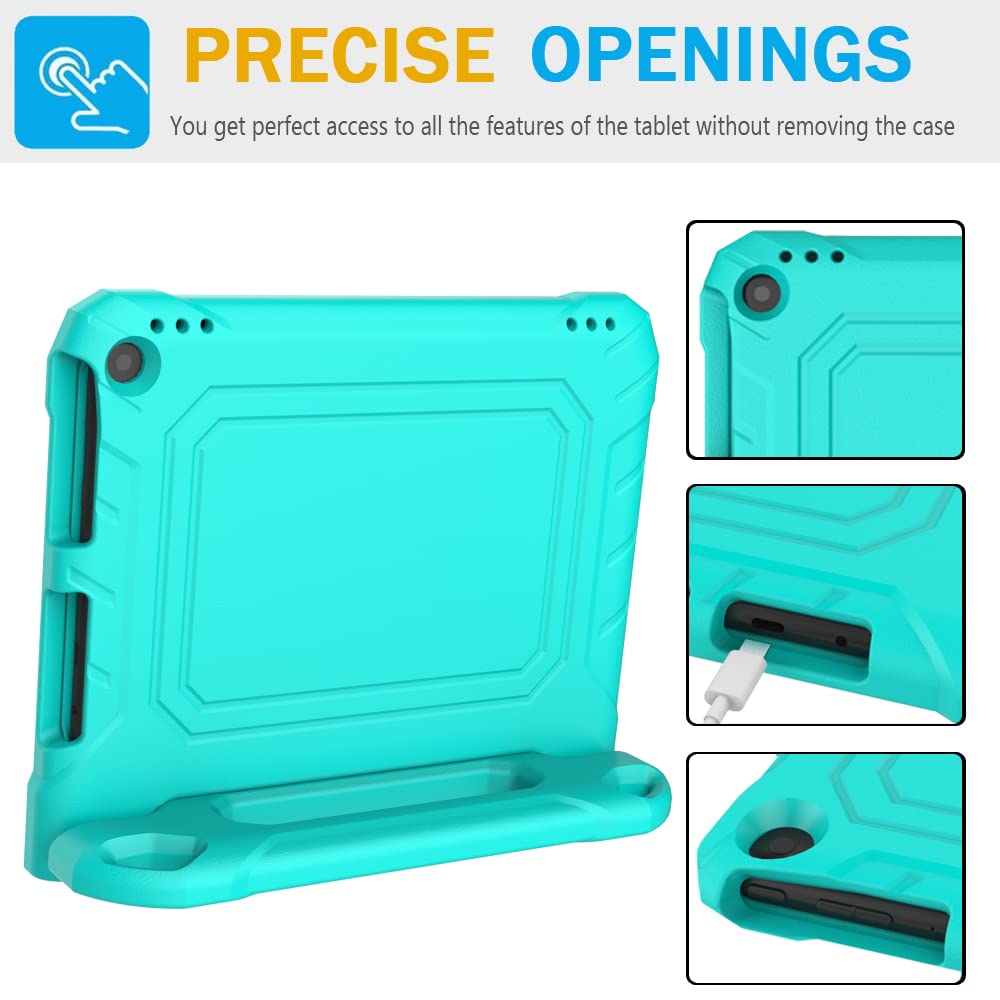
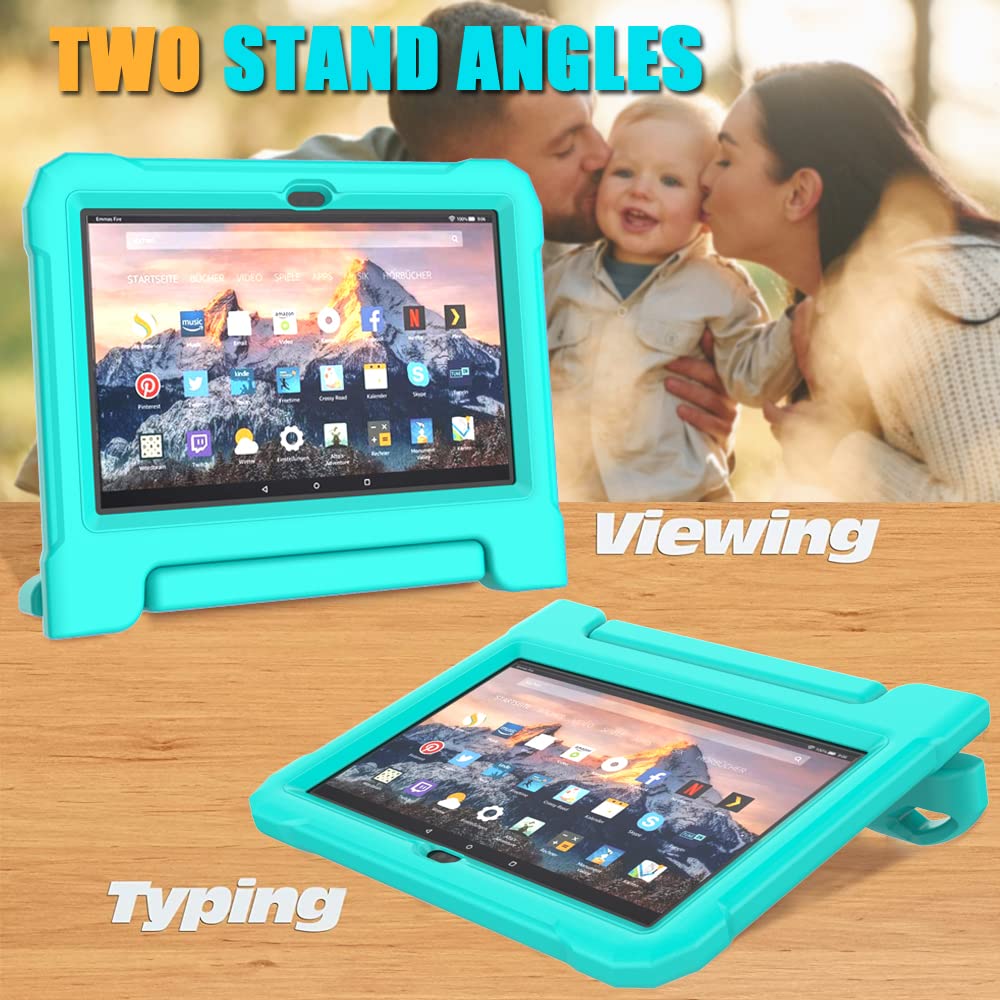
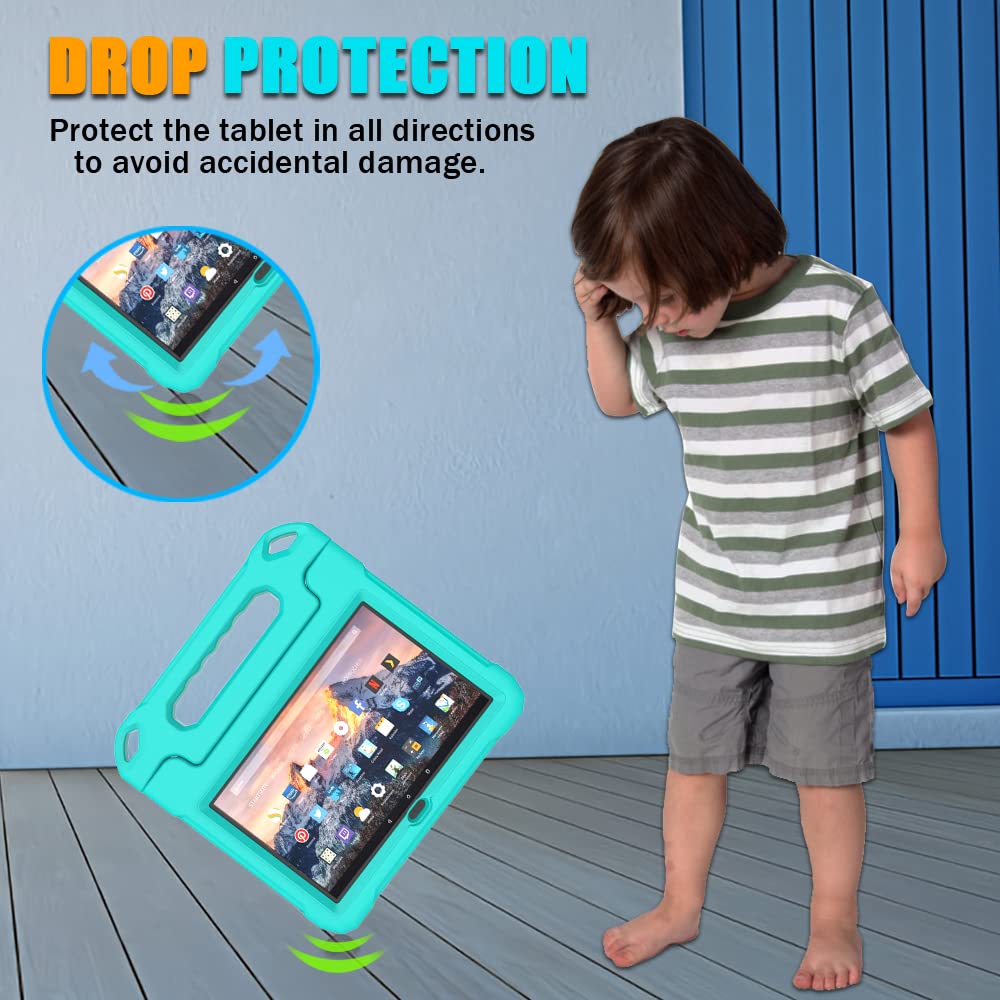
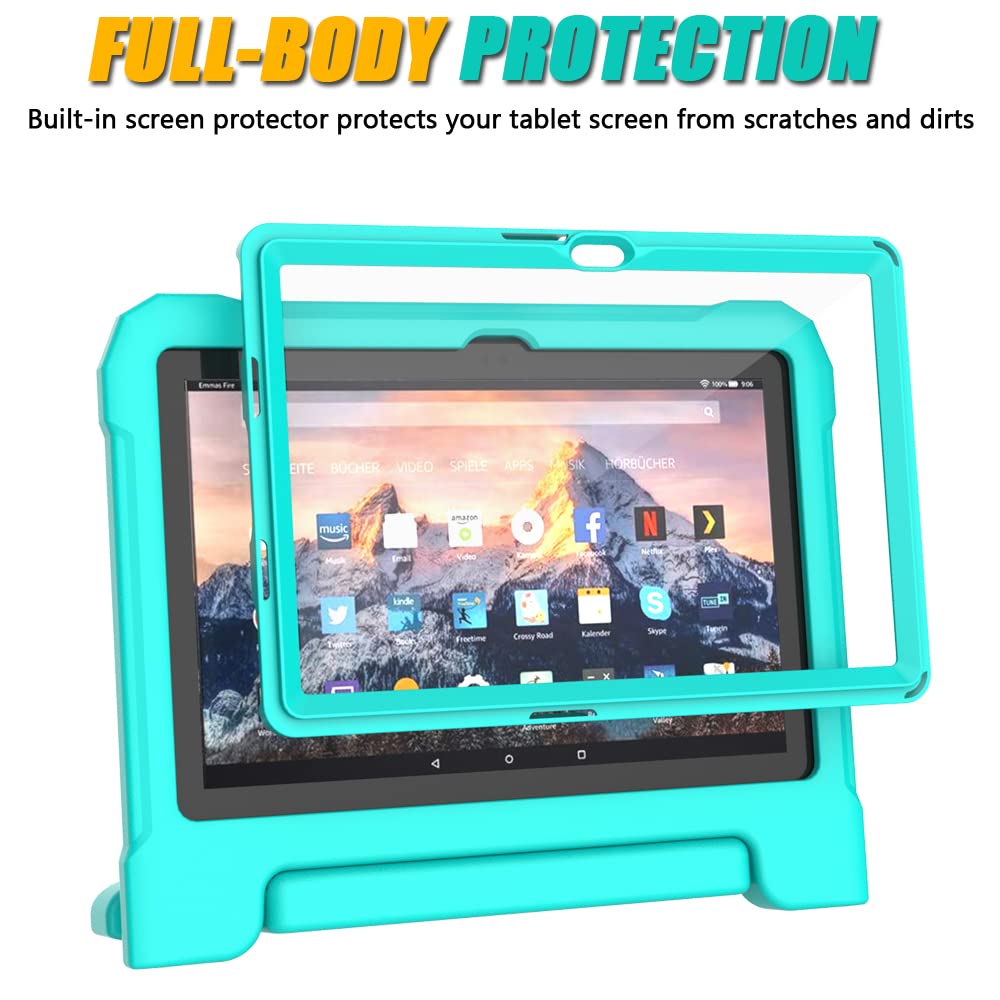
DJ&RPPQ Kids Case for 10inch Tablet, Shockproof Kid-Proof Cover with Protector Handle Stand Turquoise
- Electronics
- Computers & Accessories
- Tablet Accessories
| Tablet Option | Best Age | Screen Size | Battery Life | Parental Controls | Recommended Case | Price Range |
|---|---|---|---|---|---|---|
| Amazon Fire 7 Kids | Ages 3 to 5 | 7 inch | ~10 hours | Excellent (Parent Dashboard) | AVAWO shoulder strap case | $99 |
| Amazon Fire HD 8 Kids | Ages 4 to 7 | 8 inch | ~13 hours | Excellent (Parent Dashboard) | FunnyWin butterfly case | $139 |
| Apple iPad 9th Gen | Ages 5 and up | 10.2 inch | ~10 hours | Very good (Screen Time) | BMOUO handle stand case | $329 |
| Samsung Galaxy Tab A9 | Ages 5 and up | 8.7 inch | ~12 hours | Good (Family Link) | DJ&RPPQ shockproof cover | $219 |
| Existing iPad (with case) | Any | Varies | Varies | Very good (Screen Time) | SEYMAC rotating stand case | Case only: $17–33 |
Expert Insights on Children and Technology
Buying a kids tablet for a preschooler does not have to be an expensive gamble. The market in 2026 offers genuine protection, genuine parental controls, and genuine value in a price band most families can access. The devices listed here are ones I'd feel comfortable recommending to parents in clinic, parents who have real budgets, kids who drop things, and households where the tablet needs to survive a full year of daily use without drama.
A tablet is a tool. The right tool, with the right case and the right content boundaries, can genuinely support your child's curiosity and give you back a little peace. Buy once, buy well, and set it up properly from day one.
If this helped, save it or share it with another parent who's weighing up the same decision.
Sources & References
- Consumer Technology Association. "Consumer Technology Ownership and Market Potential Study." 2023. https://www.cta.tech
- American Academy of Pediatrics, Council on Communications and Media. "Media and Young Minds." Pediatrics, Vol. 138, No. 5. 2016. https://publications.aap.org/pediatrics/article/138/5/e20162591/60503
- Common Sense Media. "The Common Sense Census: Media Use by Tweens and Teens." 2021. https://www.commonsensemedia.org/research/the-common-sense-census-media-use-by-tweens-and-teens-2021
- Radesky JS, Christakis DA. "Increased Screen Time: Implications for Early Childhood Development and Behavior." Pediatric Clinics of North America. 2016.
- Reid Chassiakos Y, et al. "Children and Adolescents and Digital Media." Pediatrics. 2016. AAP Council on Communications and Media.
Frequently Asked Questions
What screen size is right for a 3 to 5 year old?
Are Amazon Fire Kids tablets worth it compared to a regular iPad?
How much screen time is appropriate for a four year old?
Do I need a case if the tablet already has a rugged design?
What parental control features should I set up first?
Can a preschooler use a tablet for learning, or is it just entertainment?
What should I do if my child's tablet breaks outside the warranty?
Was this helpful?
Thanks — your feedback helps us pick what to write next.