
Screen Time Limits That Actually Work: 6 Tools Parents Swear By
The most effective screen time limits combine clear household rules with physical or network level tools that kids cannot simply bypass, removing the daily negotiation from your plate entirely.
In this article
Why Screen Time Limits Feel So Hard to Enforce (and What Actually Changes That)
Ask any parent of a school age child what their biggest daily battle is, and most will say screens before they finish the sentence. You are not doing it wrong. A 2023 Common Sense Media report found that children ages 8 to 12 in the United States now average nearly five and a half hours of recreational screen time every day. That is not a parenting failure; it is what happens when entertainment, socialising, and learning all live on the same glowing rectangle.
The problem with most screen time strategies is that they rely entirely on willpower, yours and your child's. Willpower runs out. What works instead is a combination of reasonable household rules and tools that do the enforcing for you, automatically, in the background, without a shouting match at 9 pm.
In this article you will learn:
Let's get into it.
1. Start With the Evidence: What Do the Guidelines Actually Say?
Before you buy a single gadget, it helps to know what you are aiming for. The American Academy of Pediatrics (AAP) is the most cited authority on this, and their guidance is clearer than most parents realise.
For children under 18 months, the AAP recommends avoiding screen use entirely, with the sole exception of video chatting with family. Between ages 18 and 24 months, a small amount of high quality programming is acceptable, but only if a parent watches alongside. For ages 2 to 5, the limit is one hour per day of co-viewed, thoughtfully chosen content. From age 6 onward, the AAP shifts the language: set consistent limits on time and ensure screens do not crowd out sleep, physical activity, or face to face connection.
It's not just about the hours. It's about what's being displaced — sleep, homework, physical activity, in-person socializing — that matters most.
— American Academy of Pediatrics, Media and Children Communication Toolkit (2023)
What "Quality" Actually Means
Not all screen time is equal. Passive consumption of fast-moving videos is neurologically very different from a child using an app to build a story, practise maths, or video call a grandparent. When you set up your tools, try to carve out time for interactive or creative use separately from entertainment limits.
2. Router Level Controls: The Whole Home Solution
If there is one category of tool that genuinely changes how screen time works in a household, it is the parental control router. Instead of fighting each device individually, you manage everything from one app.


Gryphon Guardian Mesh WiFi Router and Parental Control System with Content Filters and Advanced Cyber Security
- AFFORDABLE CONNECTIVITY & SECURITY – Beef up your mesh network’s coverage, add extra security to your system,
- COMPREHENSIVE PARENTAL CONTROLS – Schedule screen time, monitor online searches and create a safe Internet exp
- WIFI WHERE YOU NEED IT – Enjoy reliable connectivity throughout your whole apartment or improve WiFi speeds in
The Gryphon Guardian is the entry point here. At under $50, it acts as your home's Wi-Fi router and a parental control hub at the same time. You can schedule when the internet is available for each device, block categories of content, and monitor what's being searched, all from a smartphone app. It covers up to 1,500 square feet per unit, which is plenty for most apartments and smaller homes.
For larger homes or families with more devices, the Gryphon AX steps things up considerably. It runs on Wi-Fi 6, covers 3,000 square feet per router, and handles multi-device households without slowing anything down. The parental controls work at the same network level but with more granular options: individual profiles per child, detailed activity insights, and app level blocking.
Why Network Level Is Better Than App Level
App based controls are easy to work around. A child who knows to switch to a friend's mobile hotspot, use a VPN, or simply reset a device will defeat most app based solutions within a week. A router level control means that when the schedule says the internet is off, it is off at the source. There is no workaround short of physically leaving the house.
3. Defence in Depth: When You Need Enterprise Grade Security
Some families need more than a scheduled shutdown. If you have a child who is curious, persistent, or at an age where online safety feels genuinely urgent, a router with built-in threat filtering is worth the extra investment.

FX20 Wi-Fi 6 Router with SmartWeb Filter Protection & Defense-in-Depth Security | Router-Level Protection, Mobile Controls & SEIONA Family Safety App
- DEFENSE-IN-DEPTH SECURITY Built with Franklin’s advanced three-layer security architecture designed to help pr
- ENTERPRISE-GRADE SMARTWEB FILTER PROTECTION Automatically helps block millions of harmful websites including m
- ROUTER-LEVEL NETWORK SECURITY Every connected device including Smart TVs, gaming consoles, phones, tablets, an
The JEXtream FX20 router approaches home network security the way a corporate IT team would. Its three layer "defence in depth" architecture means that harmful content is blocked before it ever reaches a device, at the network level, not by a browser extension a child can disable. The SEIONA family safety app gives you mobile control over what is filtered, and the SmartWeb Filter automatically blocks millions of harmful sites including malware, phishing, and adult content.
At $99.99, it sits between the Gryphon Guardian and the Gryphon AX in price, and it is a strong choice for families with children in the 10 to 14 age range, when the risk of stumbling into genuinely harmful content online is highest.
What "Router Level" Blocking Actually Means
When content filtering happens at the router, it applies to every single device on that network: the old laptop your son found in the cupboard, the smart TV in the living room, the gaming console, the tablet you gave your daughter for her birthday. You do not have to install anything on any individual device. One setting, everything covered.
4. The Bark Home: Monitoring With a Light Touch
Not every parent wants to hard block content or shut off the internet at a set time. Some families prefer a more nuanced approach: let the child use devices, but flag concerning behaviour and set schedules without turning the home into a surveillance state.

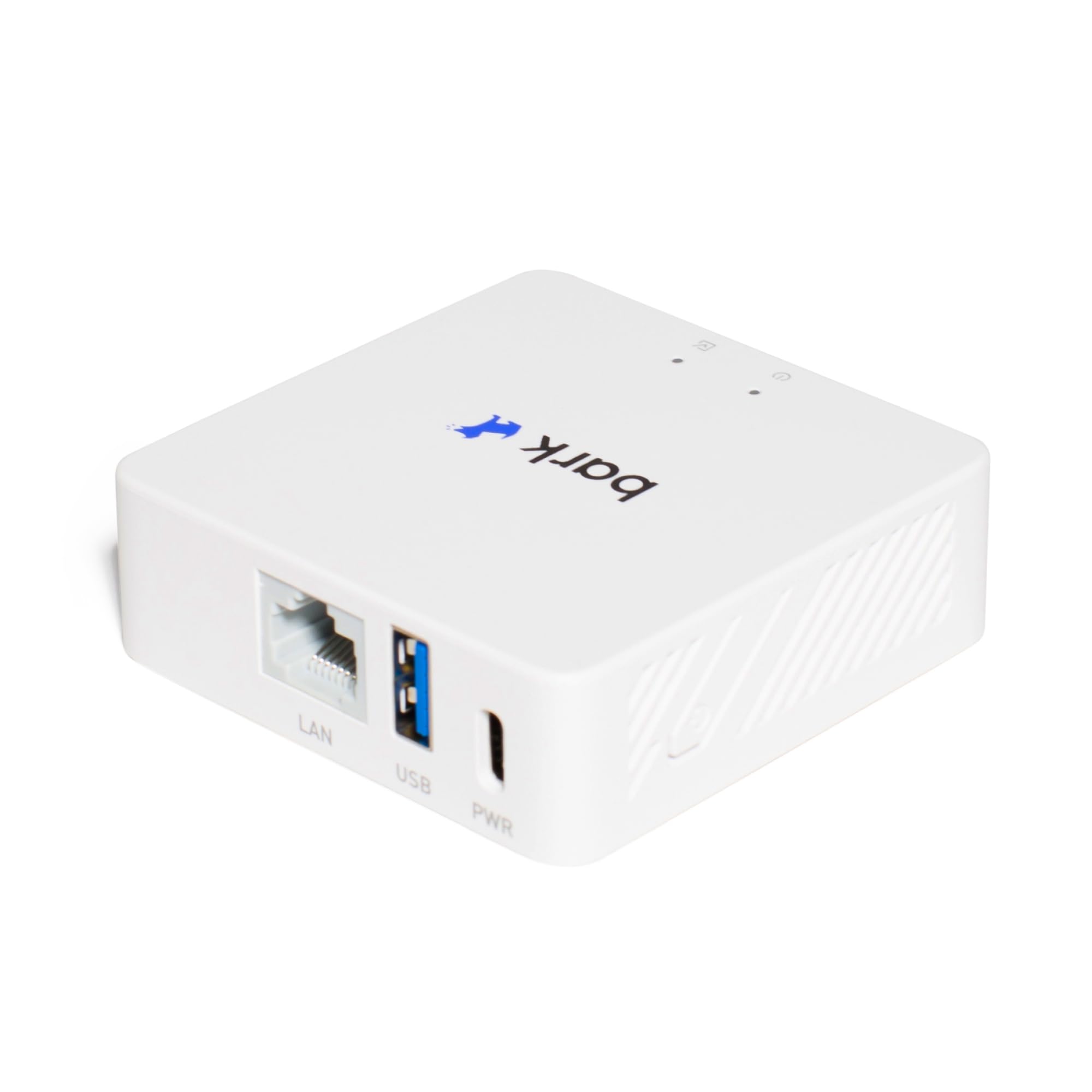


Bark Home — Parental Controls for Wi-Fi - Manage Screen Time, Block Apps, and Filter Websites for Kids - Phones, Tablets, Gaming Consoles, and More
- BARK HOME includes in-home protection for free with purchase of the hardware — no paid subscription needed.
- MANAGE the Wi-Fi-connected devices in your house, including TVs, gaming consoles, tablets, computers, and smar
- CREATE custom daily screen time schedules to help set healthy boundaries around device use.
That is the space the Bark Home occupies. It connects to your existing router and manages Wi-Fi connected devices across the household. You can create custom daily screen time schedules, block specific apps, and filter websites. Crucially, the hardware purchase includes the in-home protection at no ongoing subscription cost, which sets it apart from most parental control products that charge a monthly fee indefinitely.
The 2.3 star rating (from only 6 reviews at time of writing) reflects a very small sample size rather than a reliable pattern of problems, so weigh that lightly. The broader Bark platform has a strong following among parents who appreciate its philosophy: it is designed to alert you to problems rather than read every message your child sends.
Scheduling as a Daily Habit
One of the most practical features is the daily schedule builder. You set the rules once and the device enforces them without you having to say anything. Homework hours become screen-free automatically. Bedtime means no Wi-Fi, full stop. This removes the biggest source of daily conflict because there is nothing to negotiate; the schedule is just what happens.
5. Physical Controls for Gaming Consoles: When Digital Locks Are Not Enough
Here is a situation most parents of 8 to 12 year olds will recognise. You set a time limit in the parental controls on the PlayStation. Your child Googles how to reset it. It takes them four minutes.
Physical controls exist precisely for this problem.
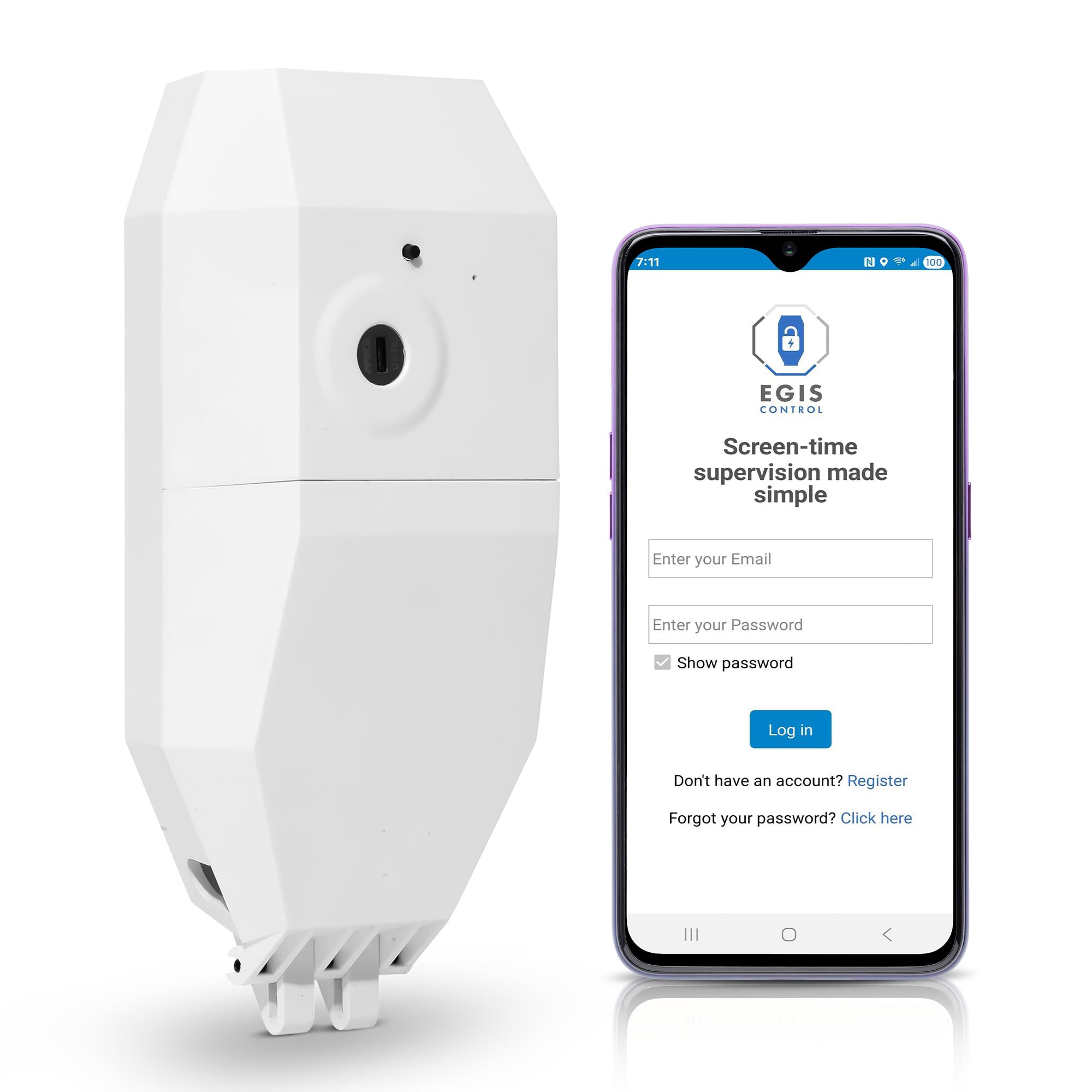
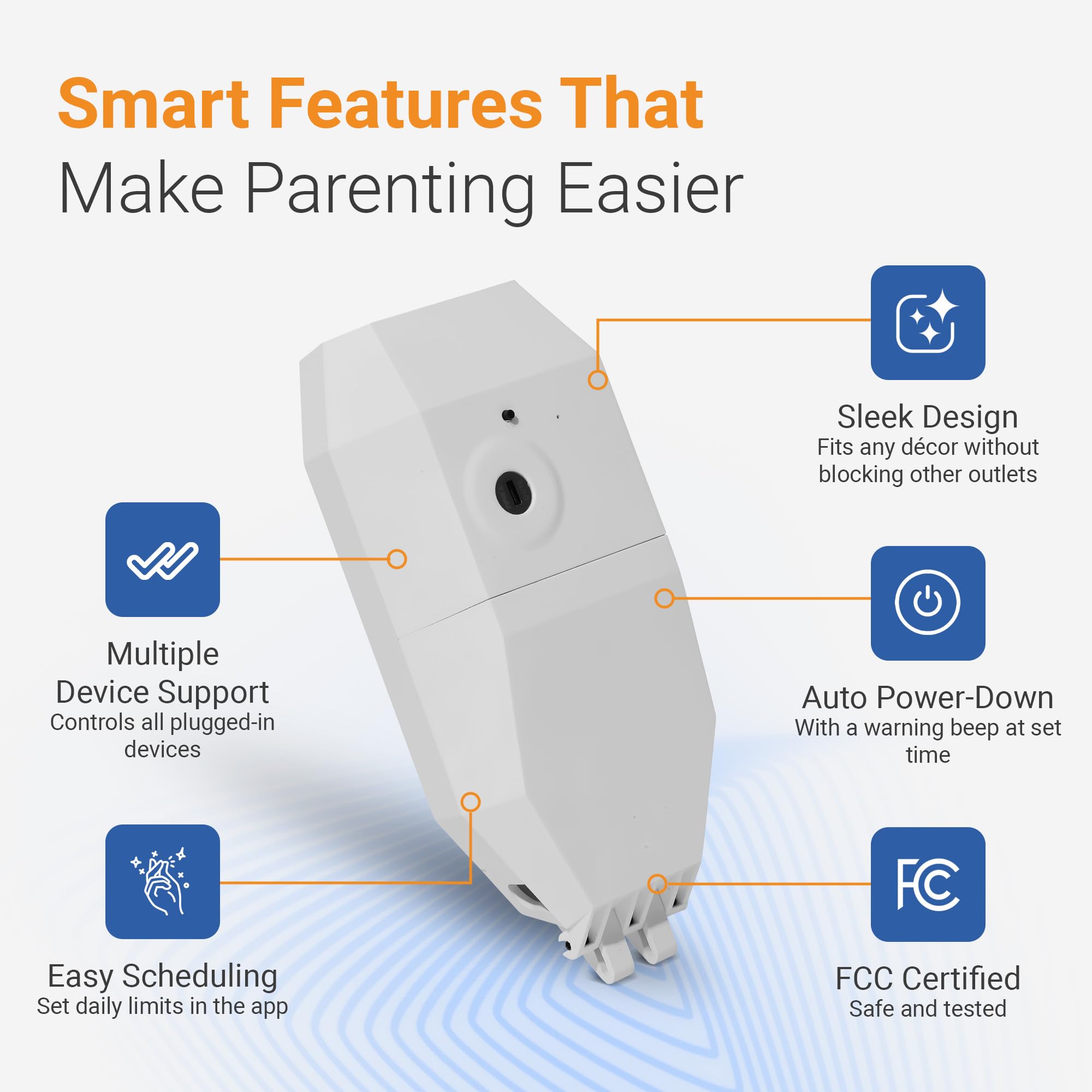
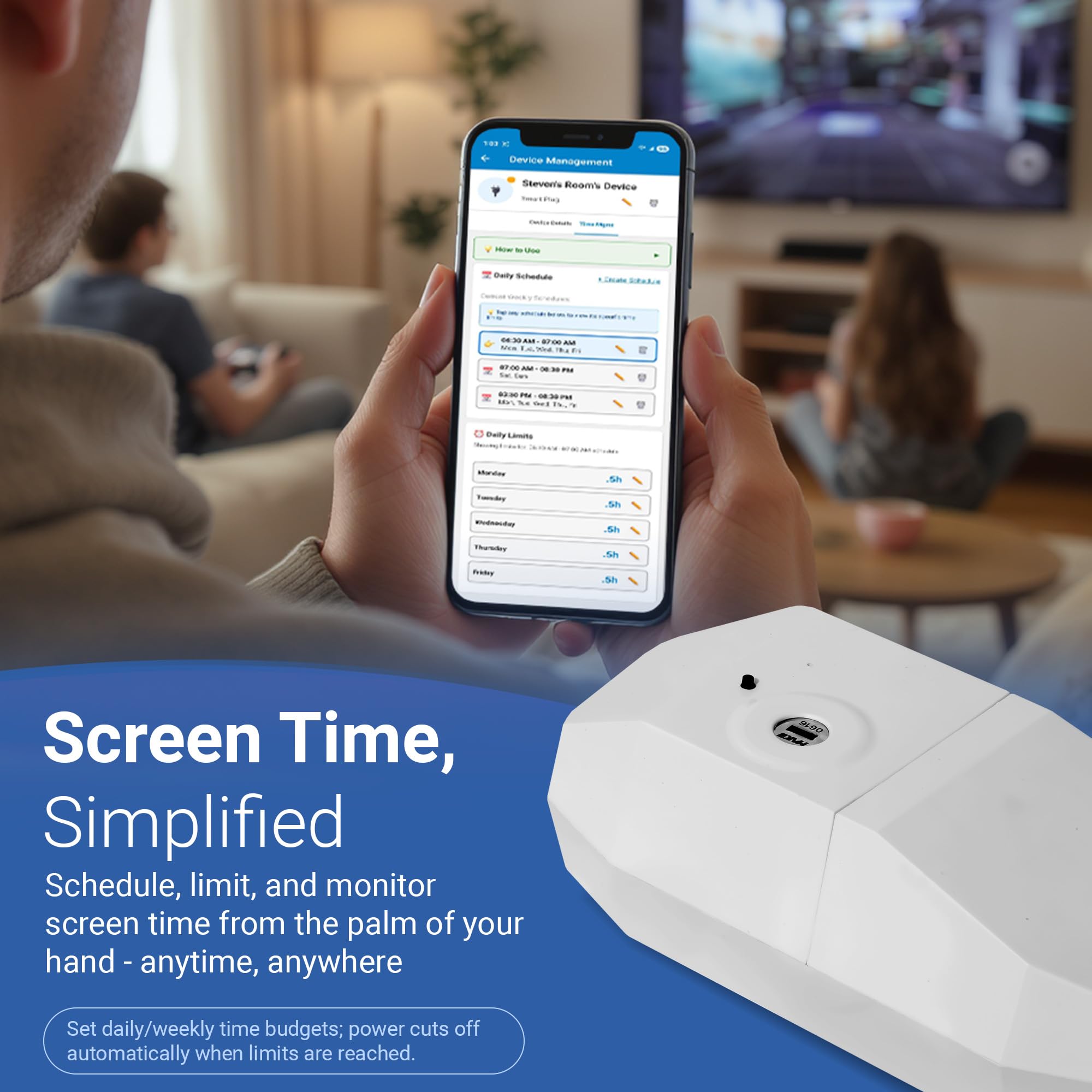
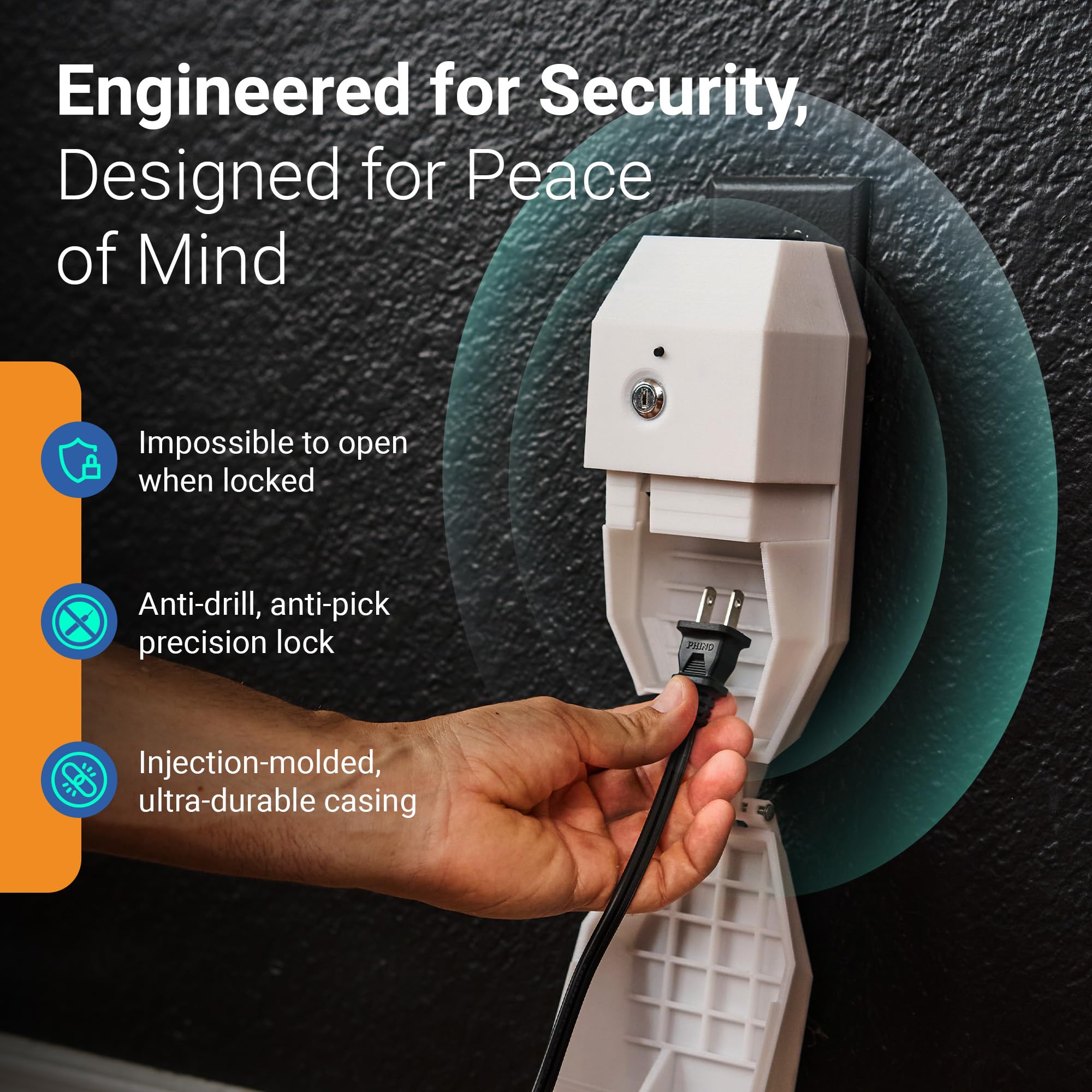
Locking Smart Plug for Kids' Screen Time – Supports Consistent Screen Time Boundaries for TVs, Gaming Consoles & Computers – No Monthly Fees
- SUPPORTS SCREEN TIME BOUNDARIES THAT HOLD Whether you’re setting screen-time rules for the first time or repla
- WORKS WITH XBOX, PLAYSTATION, PC & TV – Supports PlayStation 5, Xbox Series X/S, gaming PCs, smart TVs, and VR
- CORDS OUT OF SIGHT, OUT OF MIND – Connected plug heads and portions of attached cords stay physically secured
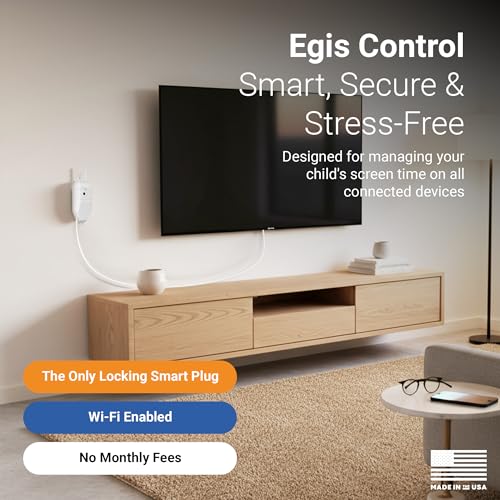
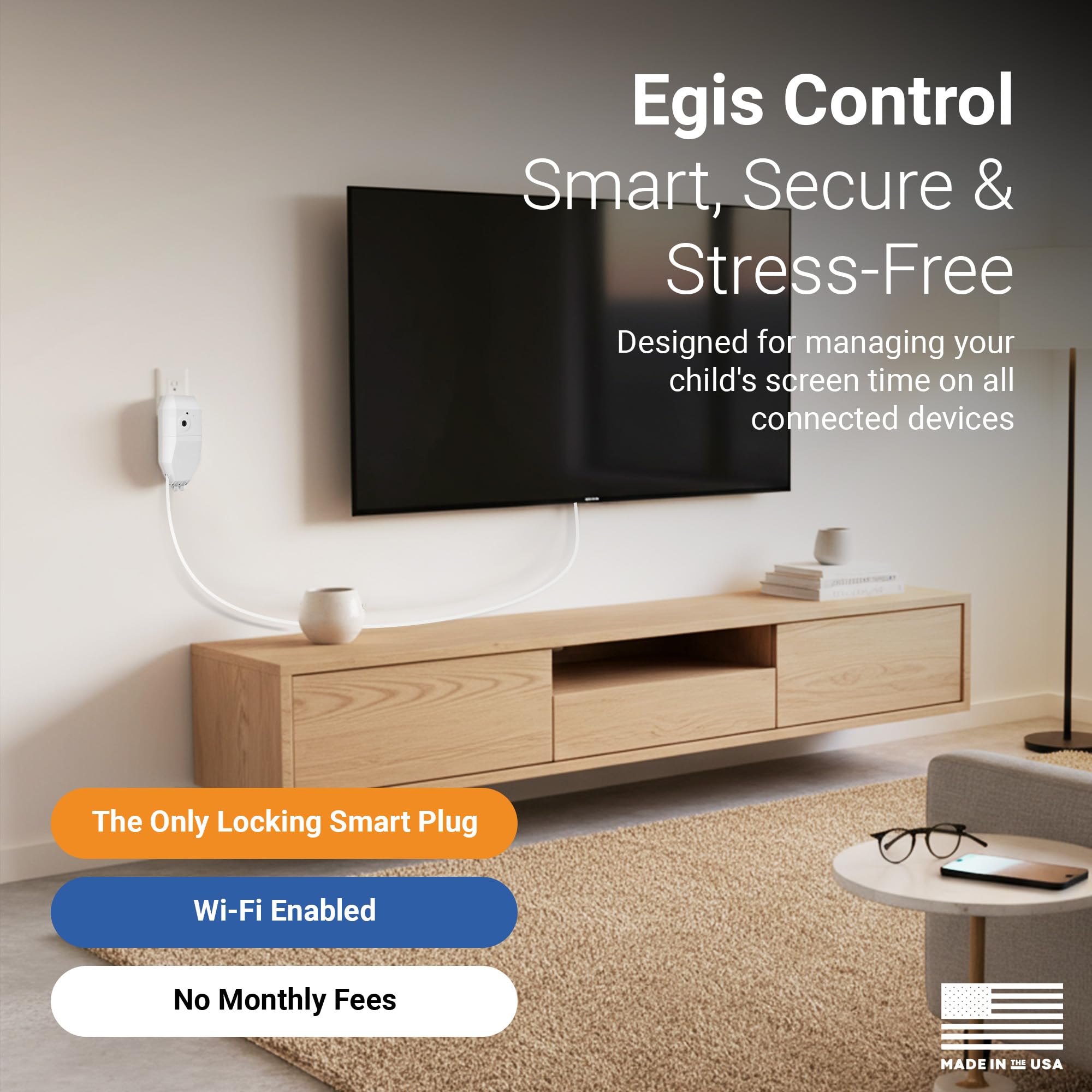
The Egis Control locking smart plug works by locking the power cord inside a tamper-resistant case. When time is up, the app cuts power to whatever is plugged into it. Your child cannot guess a password because there is no password to guess on the device side. The physical enclosure means the cord simply cannot be removed or reconnected without the app or a backup key.
It works with PlayStation 5, Xbox Series X and S, gaming PCs, smart TVs, and VR headsets. At $129.99 there is no monthly fee, and given that it removes approximately 100% of the "just five more minutes" argument, many parents consider it worth every cent.
The Psychology of Physical Limits
There is something important happening here beyond the practical mechanics. When the power shuts off with a warning alert beforehand, children learn to anticipate and accept the transition rather than fighting a digital countdown they know can be reset. It is a concrete, predictable boundary, and consistent boundaries in early childhood support the kind of self regulation skills that follow children into adulthood.
6. Staying Connected Without a Smartphone: The Kids Smart Watch Option
Many parents face a specific dilemma around ages 7 to 10: your child needs to be contactable when they are at school, at a friend's house, or walking home, but you are not ready to hand them a smartphone with full internet access.

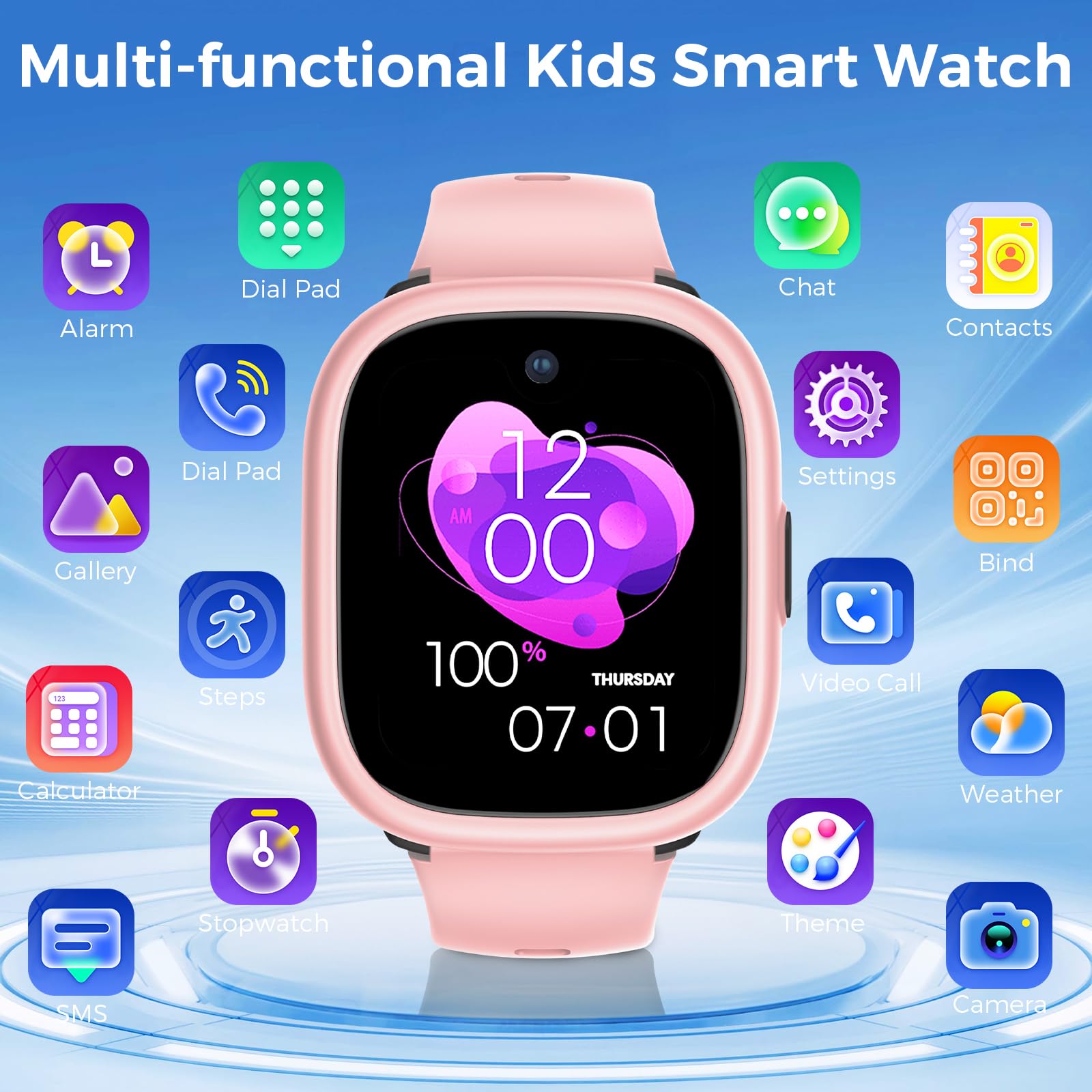

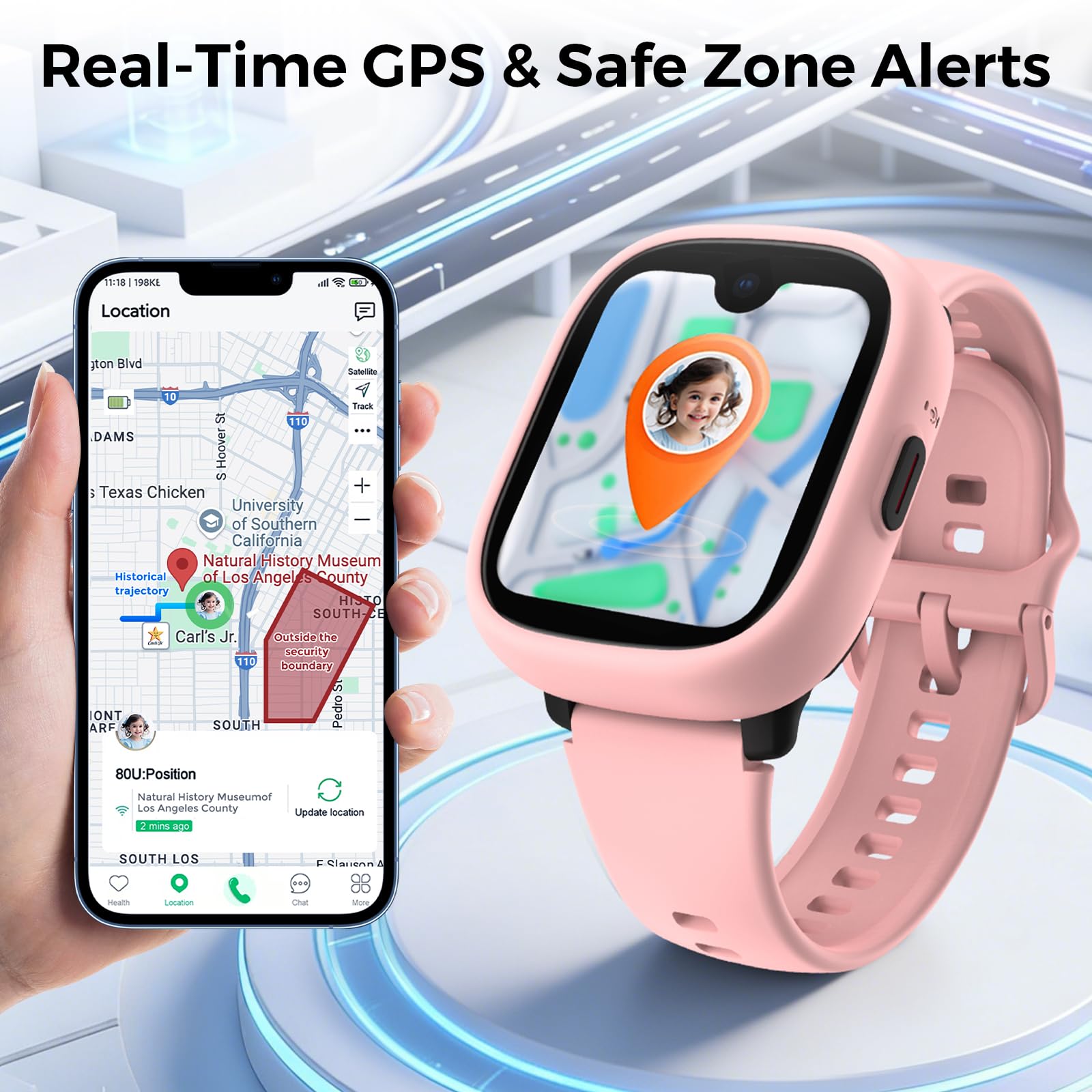
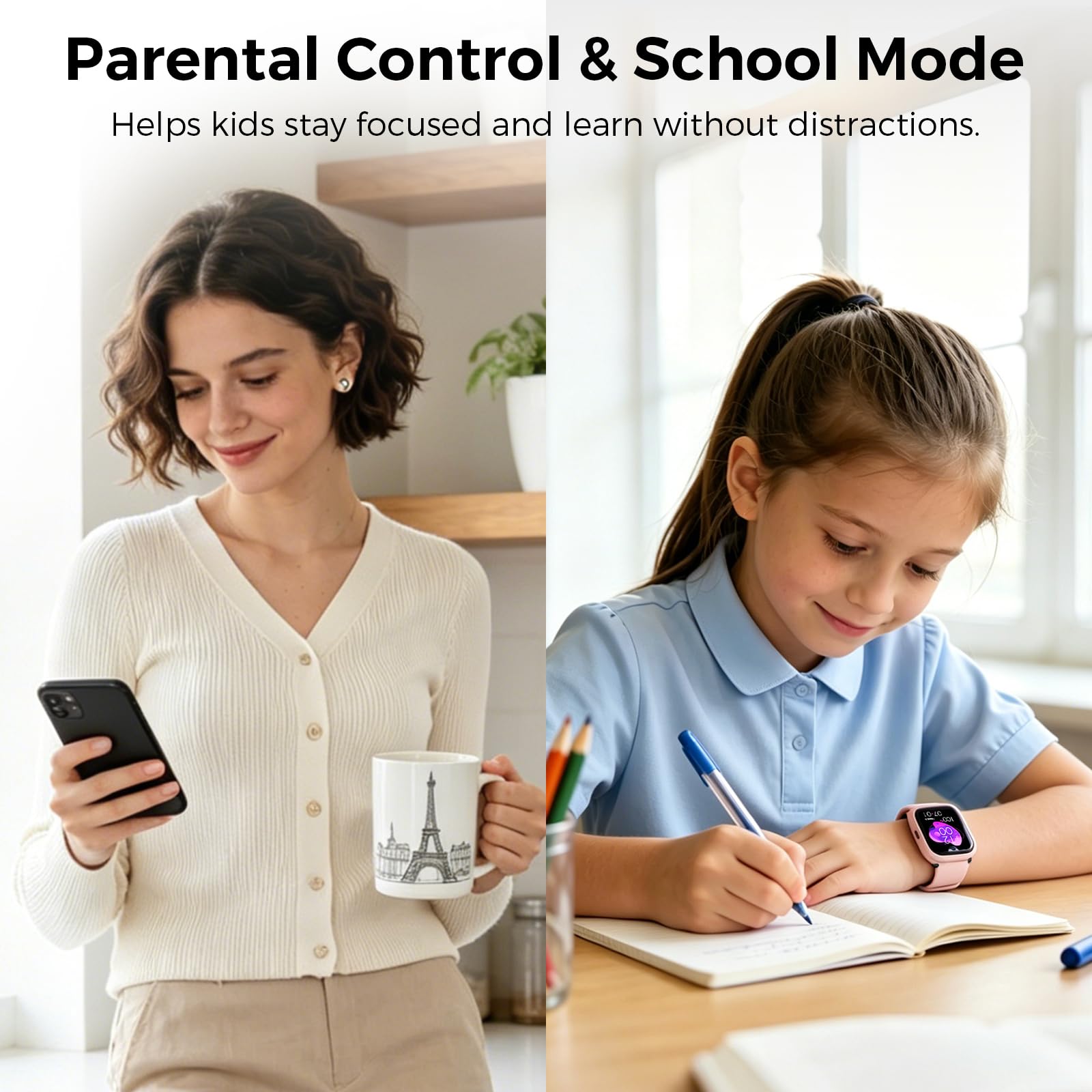
MIRO Kids Smart Watch with SIM Card Slot, GPS Tracker, Call & Video Call, Real-Time Location, Safe Zone Alert, Parental Control, School Mode, Gift for Boys Girls Age 3-15 (Pink)
- 【Stay Connected Anytime, Anywhere】:This kids’ smart watch supports a SIM card, allowing your child to make and
- 【Video Call & Life Recording】:Equipped with a clear camera, this kids’ smart watch supports smooth video calls
- 【Real-Time Location & Safety】:This kids’ smart watch comes with precise GPS tracking, so you can check your ch
The MIRO Kids Smart Watch solves this neatly. It takes a SIM card, so your child can call and receive calls from you without needing Wi-Fi. The GPS tracker is precise, you can set safe zone boundaries and get an instant alert if your child leaves them, and the parental controls include a school mode that silences the watch during class hours.
The camera supports video calls, which many children (and grandparents) love. At $124.99 and a 4.3 star rating from a meaningful number of reviews, it is the strongest reviewed product in this roundup.
The key benefit from a screen time perspective is containment. A smart watch with calling and GPS gives you genuine peace of mind without opening the door to social media, YouTube, or the full browser experience. The watch does what you need and nothing more.
What to Look for in a Kids Smart Watch
Not all children's smart watches are equal. The features that genuinely matter for most families are:
If you are also thinking about what other technology genuinely supports children's development at this age, it is worth exploring coding toys for early learners as a screen time activity that builds real skills rather than just consuming content.
Comparison: Which Tool Fits Your Family?
| Tool Type | Best Age Range | Primary Benefit | Main Limitation | Recommended Product | Price Range |
|---|---|---|---|---|---|
| Entry level mesh router | All ages | Whole home scheduling, easy setup, no monthly fee | Smaller coverage area | Gryphon Guardian | $50 |
| Premium mesh router | All ages | Fast Wi-Fi 6, detailed per-child profiles, large home coverage | Higher upfront cost | Gryphon AX | $299 |
| Security-first router | Ages 6 to 14 | Enterprise grade content filtering, three layer protection | Requires subscription for full features | JEXtream FX20 | $100 |
| Monitoring-focused hub | All ages | Schedule automation, no subscription, light-touch monitoring | Smaller review base; app reports only Wi-Fi devices | Bark Home | $79 |
| Physical locking plug | Ages 6 to 12 | Tamper-proof, works where digital controls fail, console focused | One device per plug; higher cost per device | Egis Control plug | $130 |
| GPS smart watch | Ages 5 to 12 | Contact without smartphone, GPS safety, school mode | Requires a SIM plan; not a full content filter | MIRO Kids Smart Watch | $125 |
Expert Insights on Screen Time and Child Development
Frequently Asked Questions
The Bottom Line
Here is the honest truth: the families who get screen time right are not the ones with the strictest rules or the most expensive router. They are the ones who decide what they value, set up a system that runs quietly in the background, and then stop fighting about it every day.
The tools in this article genuinely work when they match the problem. A router for the whole home. A physical plug for the console. A smart watch for the child who needs to be reachable. None of them require you to be the screen time police every evening.
You deserve to sit down at the end of the day without a negotiation. Set it up once, tweak it together with your child, and let the tools do the heavy lifting. That is what they are for.
If this helped, save it for the next time a fellow parent asks what actually works. They will thank you.
Sources & References
- American Academy of Pediatrics. "Media and Children Communication Toolkit." 2023. https://www.aap.org/en/patient-care/media-and-children/
- Common Sense Media. "The Common Sense Census: Media Use by Tweens and Teens." 2023. https://www.commonsensemedia.org/research/the-common-sense-census-media-use-by-tweens-and-teens-2023
- Radesky, Jenny S., MD, and Christakis, Dimitri A., MD. "Keeping Children's Attention: The Problem with Rewards." JAMA Pediatrics, 2016.
- Reid Chassiakos, Yolanda, et al. "Children and Adolescents and Digital Media." Pediatrics, Vol. 138, Issue 5, 2016. American Academy of Pediatrics.
- Rich, Michael, MD, MPH. Digital Wellness Lab, Boston Children's Hospital. https://digitalwellnesslab.org
- Royal College of Paediatrics and Child Health. "The Health Impacts of Screen Time: A Guide for Clinicians and Parents." 2019. https://www.rcpch.ac.uk/resources/health-impacts-screen-time-guide-clinicians-parents
- University of Washington, Family and Child Nursing. Research on Family Media Plans and Child Compliance, cited via AAP Family Media Plan tool. https://www.healthychildren.org/English/media/Pages/default.aspx
Frequently Asked Questions
What is the recommended screen time for a 2 year old?
Can my child bypass a parental control router by using mobile data?
At what age should I give my child a smartphone?
Do parental control routers slow down my internet?
Is screen time before bed really that harmful?
How do I get my child to accept screen time limits without a battle?
Does the Bark Home require a monthly subscription?
Was this helpful?
Thanks — your feedback helps us pick what to write next.